studio.getworkform.com
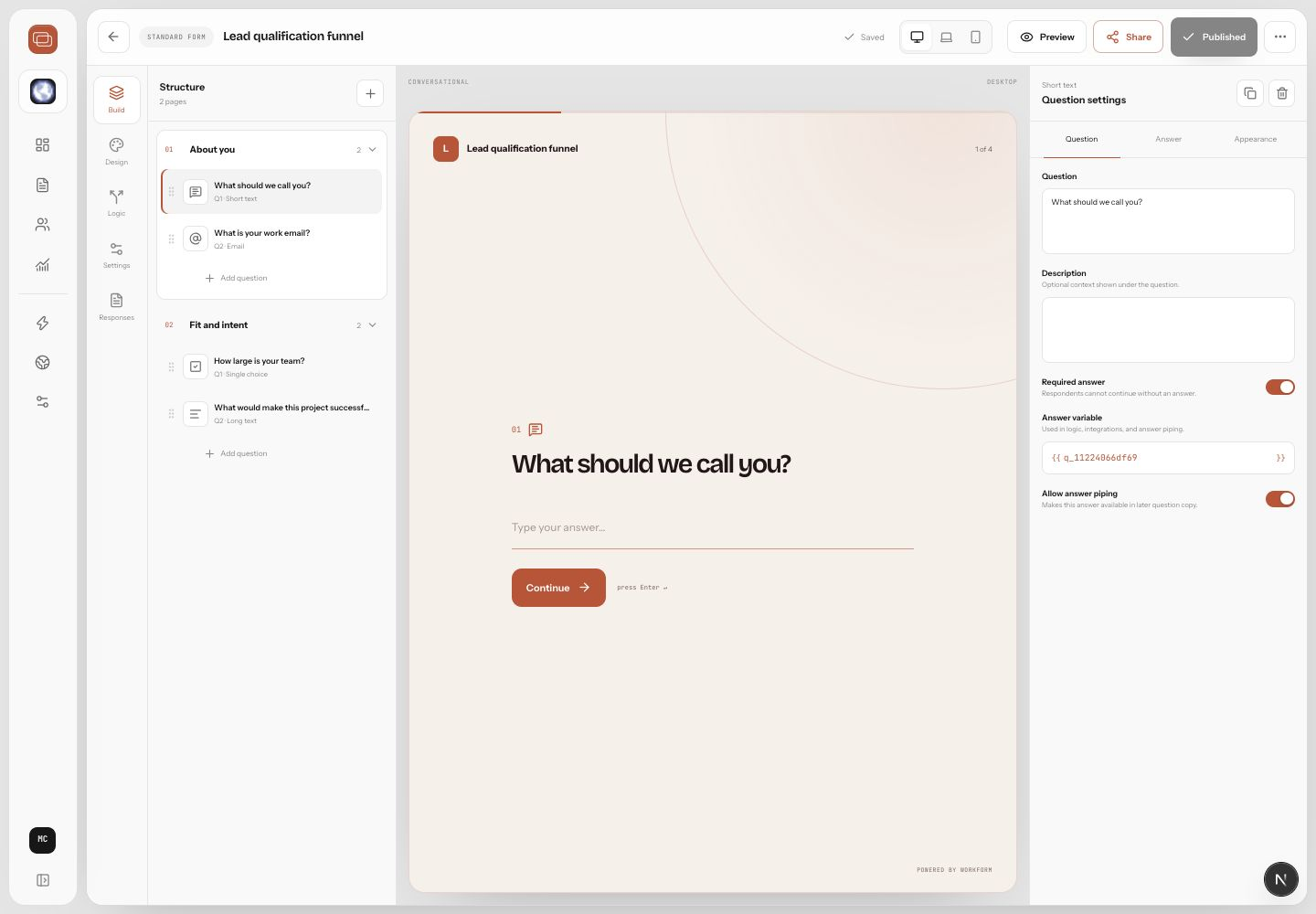
Question groups
The builder organizes question types into Essentials, Choices, and Details. Essentials cover short text, long text, email, phone, website, number, and address. Choices include multi choice, dropdown, boolean, rating, opinion scale, and slider. Details include date, date time, time, ranges, file upload, and signature.
Field settings that matter
- Use required only when the next step truly depends on the answer.
- Add helper text when the respondent might wonder what format or level of detail you expect.
- Use custom validation for business-specific formats such as customer IDs or registration numbers.
- Turn on scoring when answers should influence qualification, routing, or reporting.
- Choose concise labels and move longer context into descriptions.
Choosing the right input
Use choice fields when you need clean reporting and reliable routing. Use open text when you need nuance. Use sliders, ratings, and opinion scales when relative strength matters more than exact wording. Use uploads and signatures only when the process needs them, because they add effort for respondents.