studio.getworkform.com
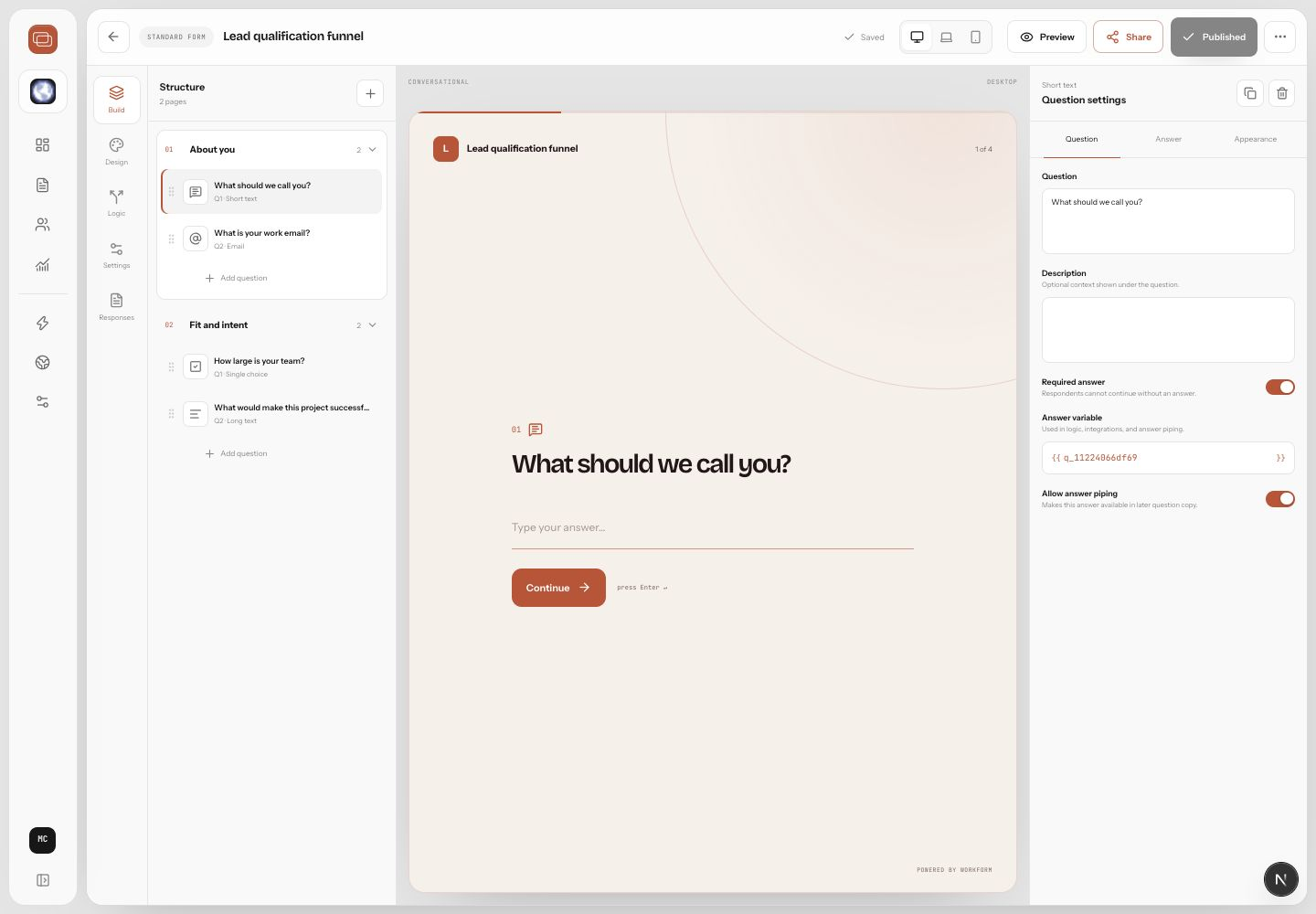
The four experiences
Conversational shows one focused question at a time. Multi-page groups related questions into chapters. Chat creates a natural back-and-forth. Classic shows a polished full form for speed and scanning.
When to use each one
- Use conversational for qualification, sensitive intake, and high-focus flows.
- Use multi-page when respondents need context across related questions.
- Use chat when adaptive follow-up is part of the value of the experience.
- Use classic when respondents already know what they need to provide and speed matters.
Switching experiences
- Open the form in the builder.
- Find the collection experience controls.
- Choose the experience that matches the current form.
- Preview the form on desktop and mobile.
- Publish the update when the layout and pacing feel right.