studio.getworkform.com
What logic does
Logic decides what happens next. A respondent can move to a different question, see a different page, trigger a different action, or reach a different ending based on an answer, score, contact attribute, or system condition.
Create a clean branch
- Start with the question that creates the decision point.
- Define the condition in plain language before configuring it.
- Connect each expected answer to the correct next question or outcome.
- Add a default path for answers that do not match the main rules.
- Preview each path with realistic answers.
Use answer piping
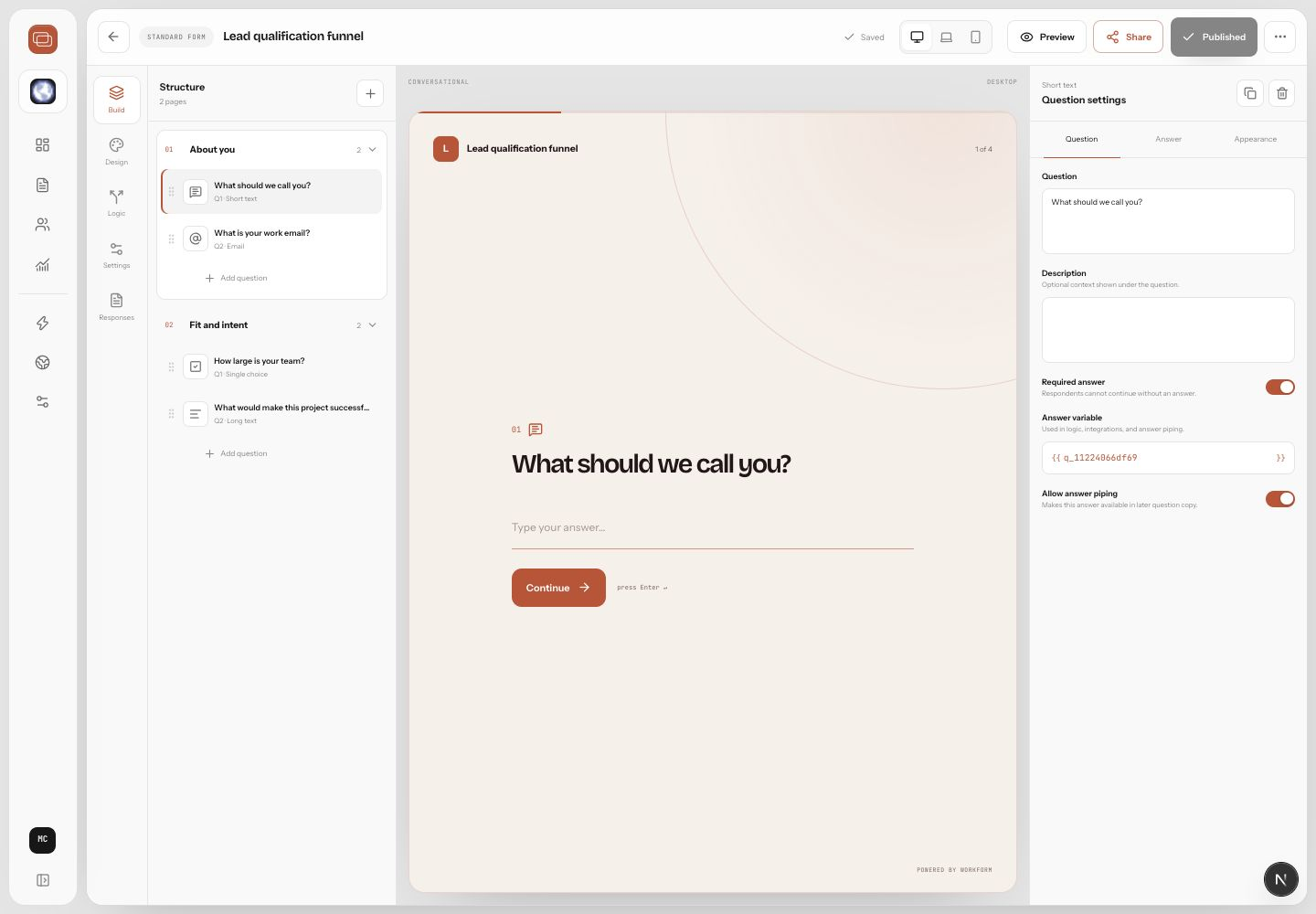
Answer piping lets later questions refer to earlier answers. For example, after someone says their company is Northstar Labs, the next page can ask, What is the biggest bottleneck at Northstar Labs? Use piping to reduce repetition and make the experience feel aware, but keep sentence fallbacks natural in case the earlier answer is blank.
Avoid logic problems
- Name branches by outcome, not by condition only.
- Keep each branch responsible for one decision.
- Add a default path anywhere a respondent could enter an unexpected answer.
- Preview loops carefully so respondents cannot get stuck.
- Document important routing rules in the form description for future editors.