When Google Formsjust isn't enough.
Google Forms is great for quick internal surveys. But when you need custom branding, real conditional logic, AI follow-ups, payments, signatures, or drop-off funnels — WorkForm is the upgrade your team needs.
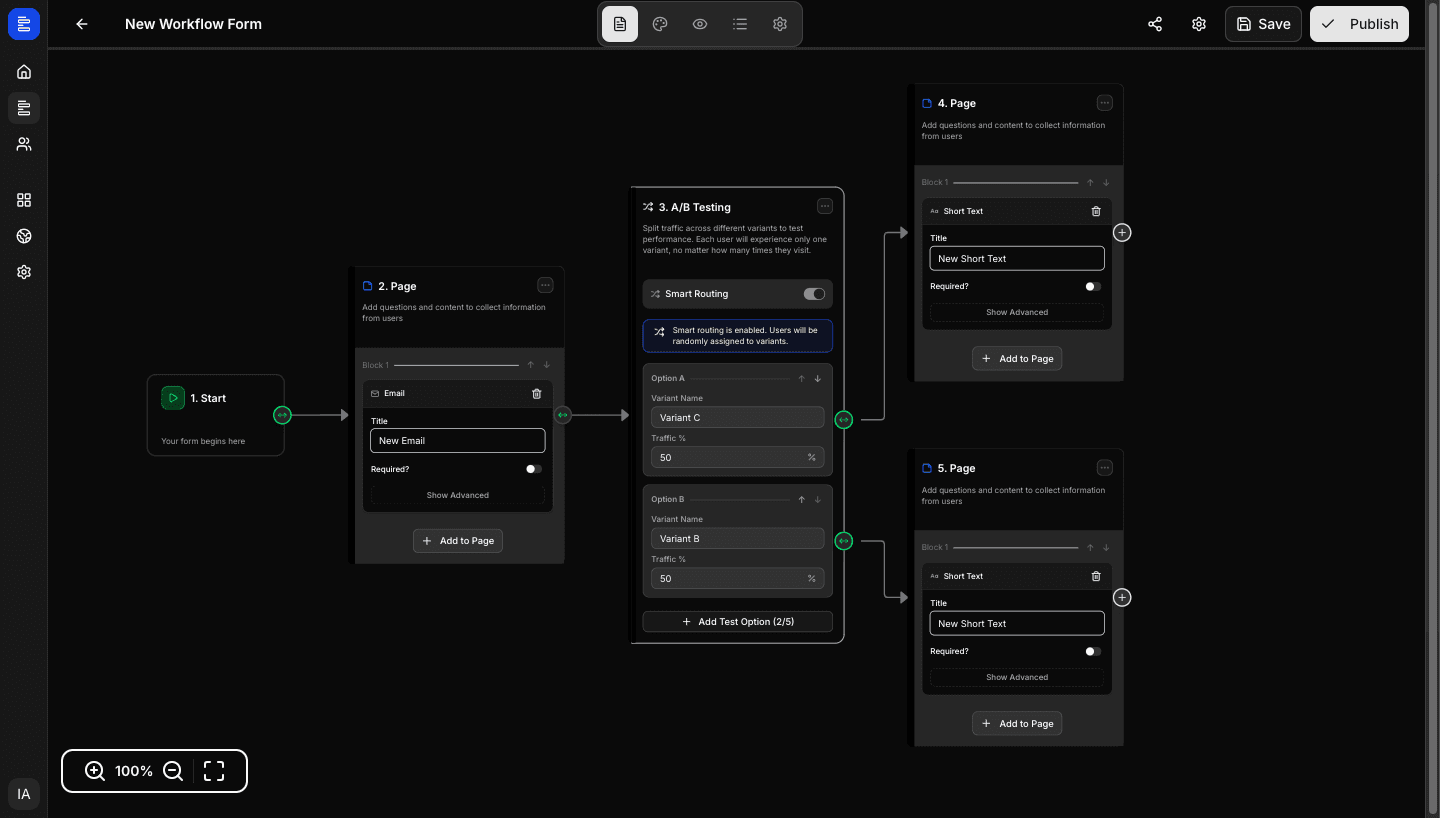
6 things WorkForm does that Google Forms can't
Google Forms covers the basics. WorkForm handles everything else.
Google Forms always looks like Google Forms. WorkForm gives you full control over colours, fonts, background, layout, and custom domain — so your forms match your brand perfectly.
Google Forms asks the same questions to everyone. WorkForm's AI Question nodes generate personalised follow-ups based on each respondent's actual answers — without any manual branching.
Google Forms' 'go to section' is a single-level jump. WorkForm's workflow engine supports nested conditions, AND/OR logic, system conditions (device, language), and unlimited branching paths.
Google Forms shows you a response spreadsheet. WorkForm shows completion rates, per-question drop-off, average time, and A/B test results — so you can actually optimise your forms.
Need to collect payment, get a signature, or generate a PDF from responses? WorkForm does all three natively. Google Forms requires workarounds for all of them.
WorkForm works for any respondent on any device without a Google account. Share via link, embed on your site, or use your own domain.
WorkForm vs Google Forms: full comparison
Every feature that matters, compared honestly
Data based on publicly available information as of 2026. Subject to change.
When to stick with Google Forms vs switch to WorkForm
Keep Google Forms if…
Switch to WorkForm if…
Ready to go beyond Google Forms?
WorkForm is free. No credit card. No Google account required.
More comparisons
See how WorkForm stacks up against other form builders
Full listicle with 10+ tools compared — including pricing tables and use-case recommendations.
Read the guide