studio.getworkform.com
Where responses live
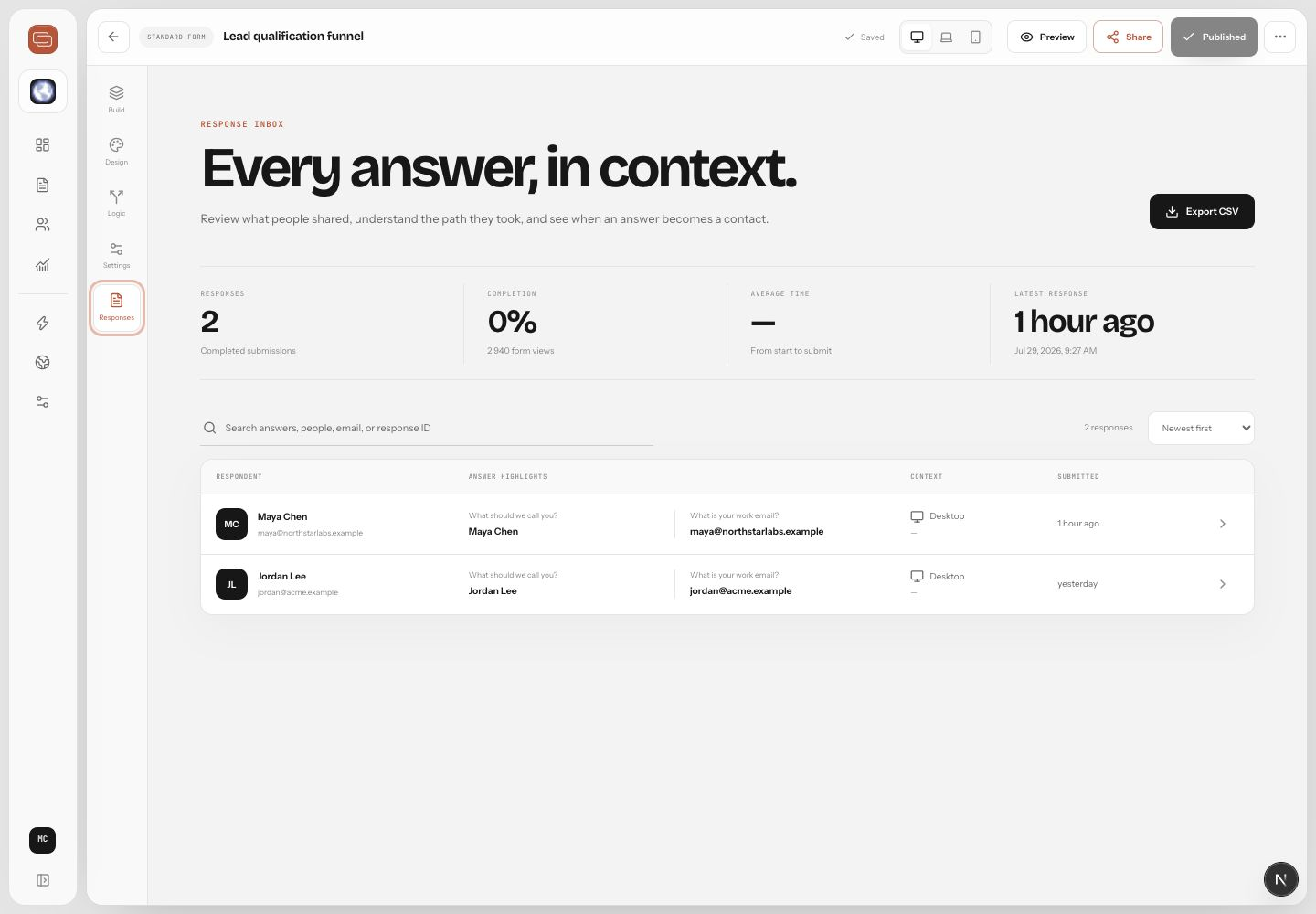
Responses live inside each form and feed the workspace-level Contacts area. A response shows the submitted answers, the path taken, timestamps, and context captured by the form experience.
Review a response
- Open Forms in Studio.
- Select the form you want to inspect.
- Open Responses.
- Choose a response from the list.
- Review answers, journey context, contact details, and any downstream status.
How contacts are matched
WorkForm uses submitted identifiers such as email and phone to keep a living history for each person. This helps your team avoid scattered submissions and see the complete relationship across forms.