studio.getworkform.com
What to watch
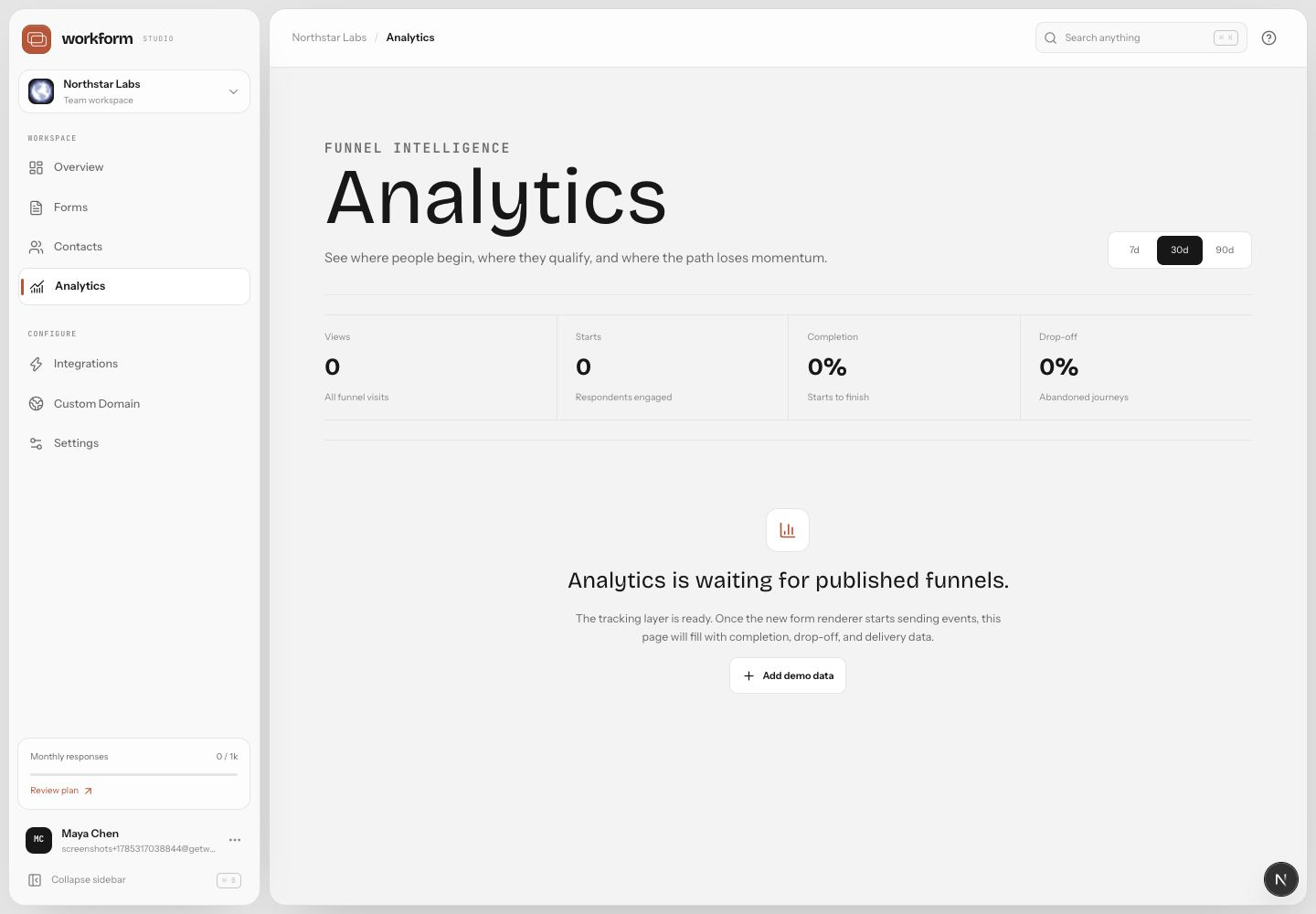
WorkForm analytics are designed around the journey, not just total submissions. Watch completion rate, response volume, average time, top regions, question-level drop-off, and the paths that produce the highest-quality outcomes.
Improve a low-performing step
- Open Analytics from the workspace sidebar or from a form.
- Find the largest drop-off point.
- Read the question and the previous question together.
- Shorten copy, reduce required effort, or move the question later if trust is needed first.
- Publish the change and compare performance over the next reporting window.
Good experiments
- Test one major change at a time.
- Compare paths by outcome quality, not completion alone.
- Separate mobile and desktop issues when layout may be involved.
- Use contact and CRM outcomes to identify forms that create real pipeline or completed work.