studio.getworkform.com
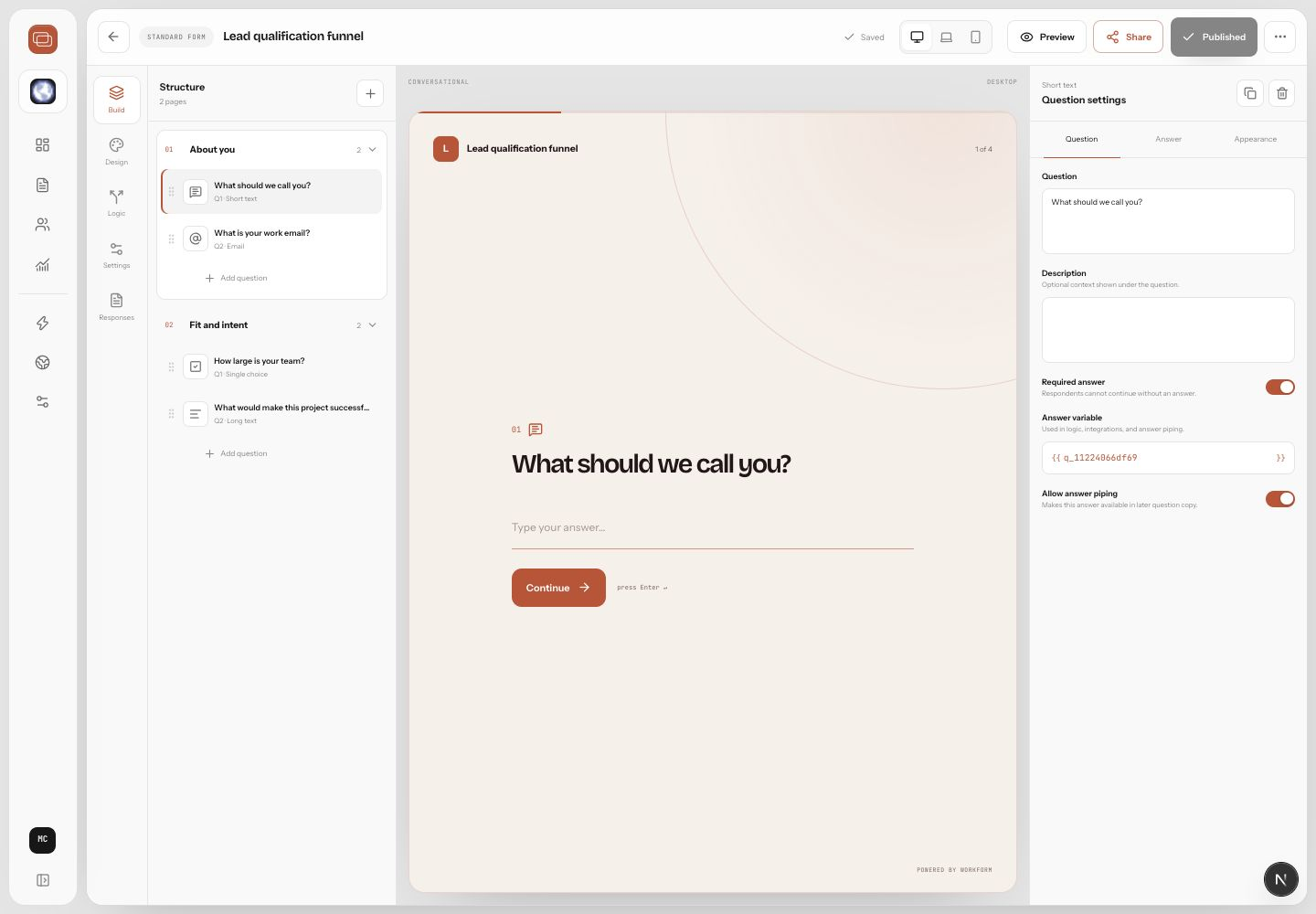
Preview first
Preview lets you experience the form before respondents do. Use it for copy, required fields, branch behavior, payment or scheduling steps, and mobile fit.
Publish the form
- Open the form from Forms.
- Choose Preview and complete the main paths.
- Return to the builder and fix anything unclear.
- Choose Publish.
- Copy the live link from the sharing controls.
Share options
- Use the direct link in emails, ads, social posts, QR codes, and support replies.
- Embed the form on a website when you want the experience inside an existing page.
- Use a custom domain for branded public URLs.
- Pause or unpublish forms that should stop receiving responses.