studio.getworkform.com
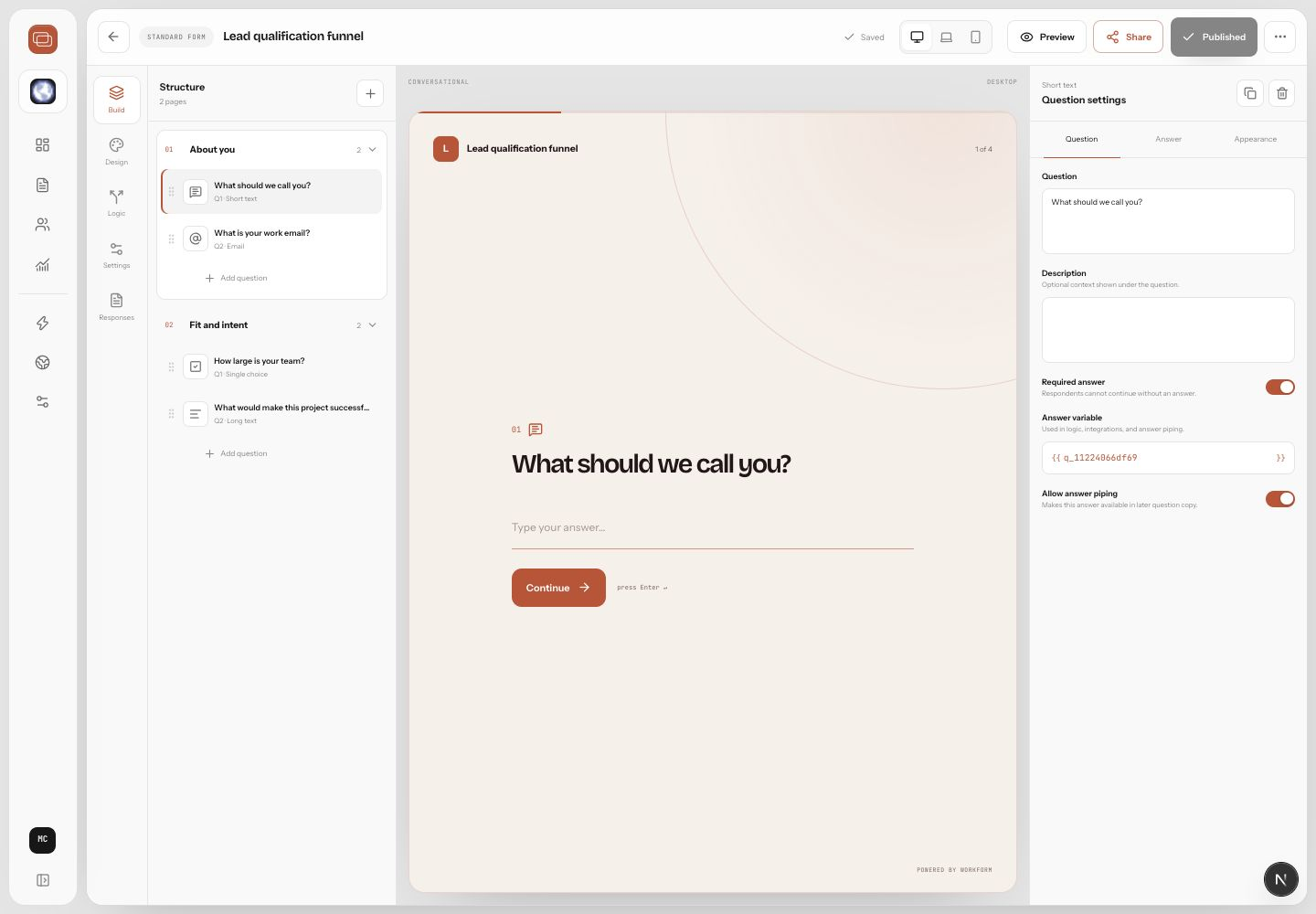
When to add actions
Actions are best when the respondent is ready to move. A qualified lead can book a meeting, an accepted applicant can pay a deposit, and an approved request can generate a follow-up workflow.
Design the action path
- Decide which answers make someone eligible for the action.
- Create the branch or condition that identifies that path.
- Add the scheduling, payment, signature, or webhook step.
- Write confirmation copy that tells the respondent what happened.
- Test the entire path with realistic data.
Operational tips
- Keep payment steps close to clear value or confirmed eligibility.
- Avoid sending unqualified respondents to calendar booking.
- Use confirmation messages to set expectations for response time.
- Send internal notifications only for submissions that need human attention.