studio.getworkform.com
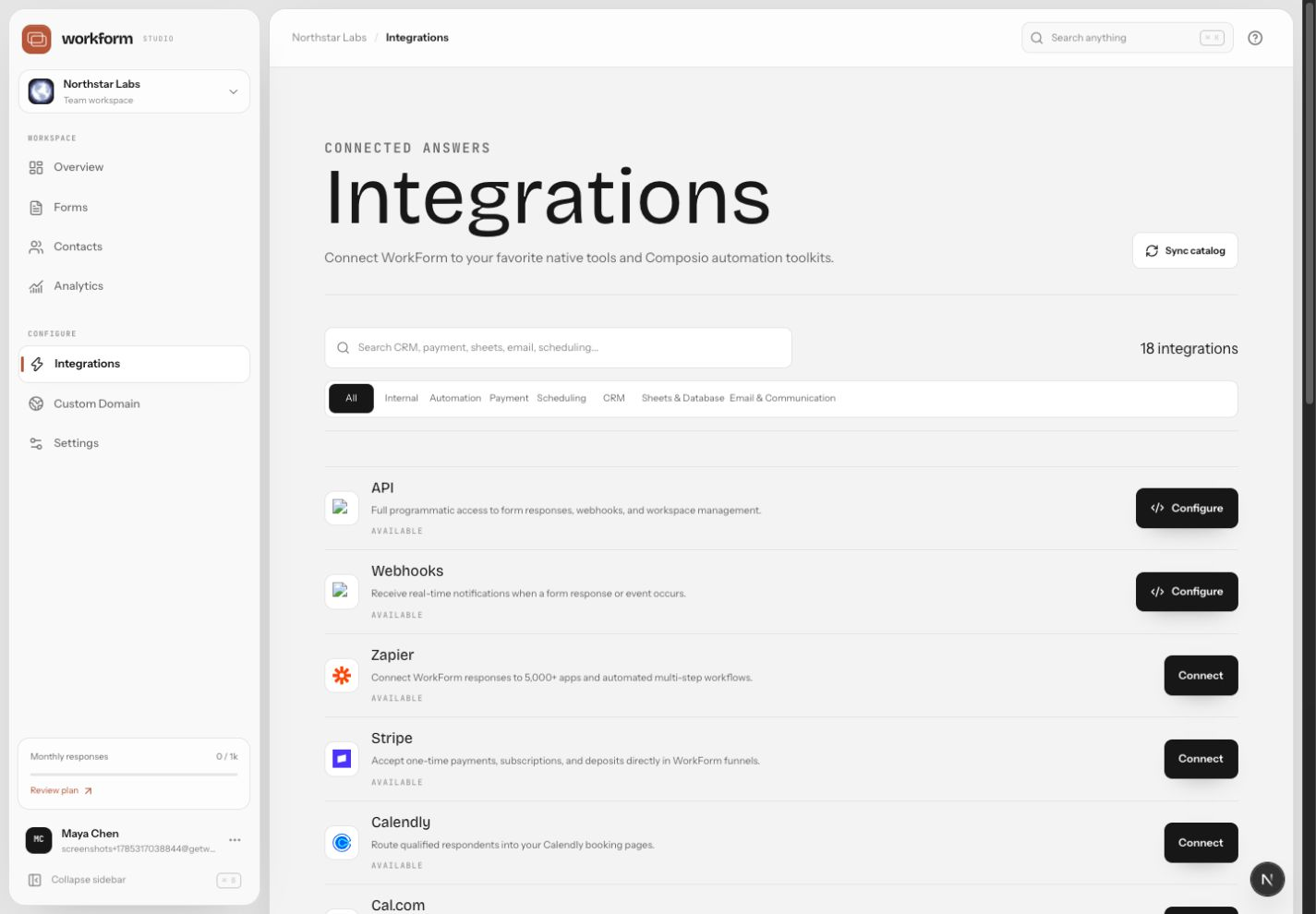
Integration options
WorkForm can connect to native integrations, automation tools, webhooks, and the API. Use native integrations when WorkForm supports the exact destination. Use webhooks when you need event-driven delivery to your own system. Use API keys for controlled developer access.
Connect an integration
- Open Integrations in the Studio sidebar.
- Choose the service you want to connect.
- Authorize the account and grant the requested permissions.
- Map WorkForm fields to destination fields.
- Submit a test response and confirm the destination received clean data.
Use webhooks safely
- Send webhooks to HTTPS endpoints only.
- Start with a test endpoint before using production systems.
- Return a successful status quickly, then process heavy work asynchronously.
- Rotate API keys when a teammate or contractor no longer needs access.
- Document which forms send data to which downstream systems.