studio.getworkform.com
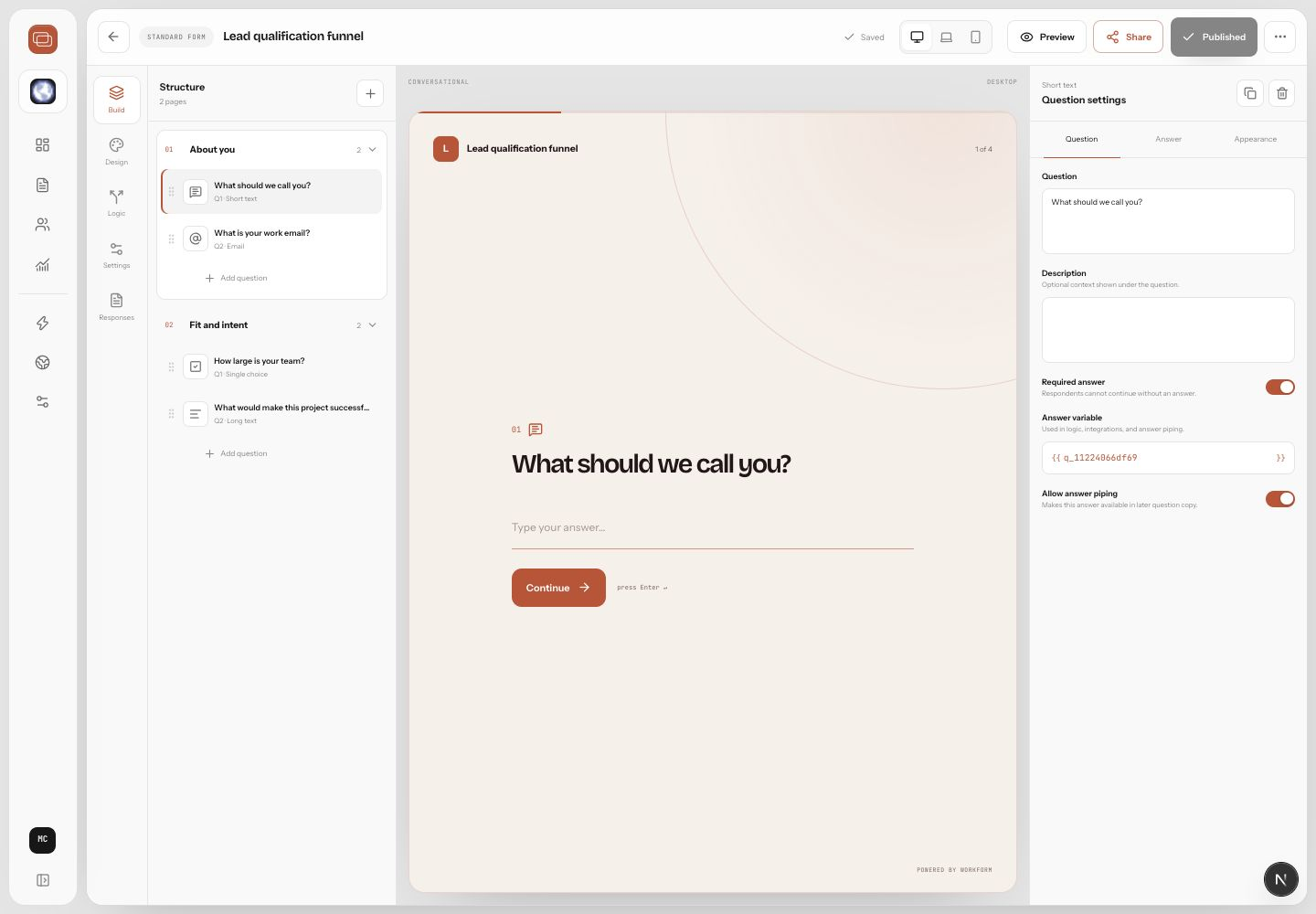
Choose the right form type
WorkForm supports three creation paths. Standard forms are best for structured intake, applications, feedback, and registration. Funnel forms are best for adaptive journeys that qualify, branch, schedule, collect payment, or route people. Research forms are goal-led interviews where WorkForm can adapt follow-up questions to what the respondent says.
Create the form
- Go to Forms in the Studio sidebar.
- Choose New form.
- Pick Standard form, Funnel form, or Research form.
- Add a title that describes the outcome, not just the audience.
- Use the AI builder prompt when you want WorkForm to draft questions, logic, and structure from a plain-language brief.
- Save, preview, then publish once the path behaves correctly.
What to add first
- A short welcome or first question that makes the purpose obvious.
- Contact fields such as name and email if your team needs follow-up.
- Qualifying questions that determine what should happen next.
- A final page or action that matches the respondent's path.
Quality check before publishing
Preview the form as a respondent. Answer each major path at least once, including disqualifying or edge-case answers. Make sure required fields are correct, answer piping reads naturally, and the final action matches the path.