studio.getworkform.com
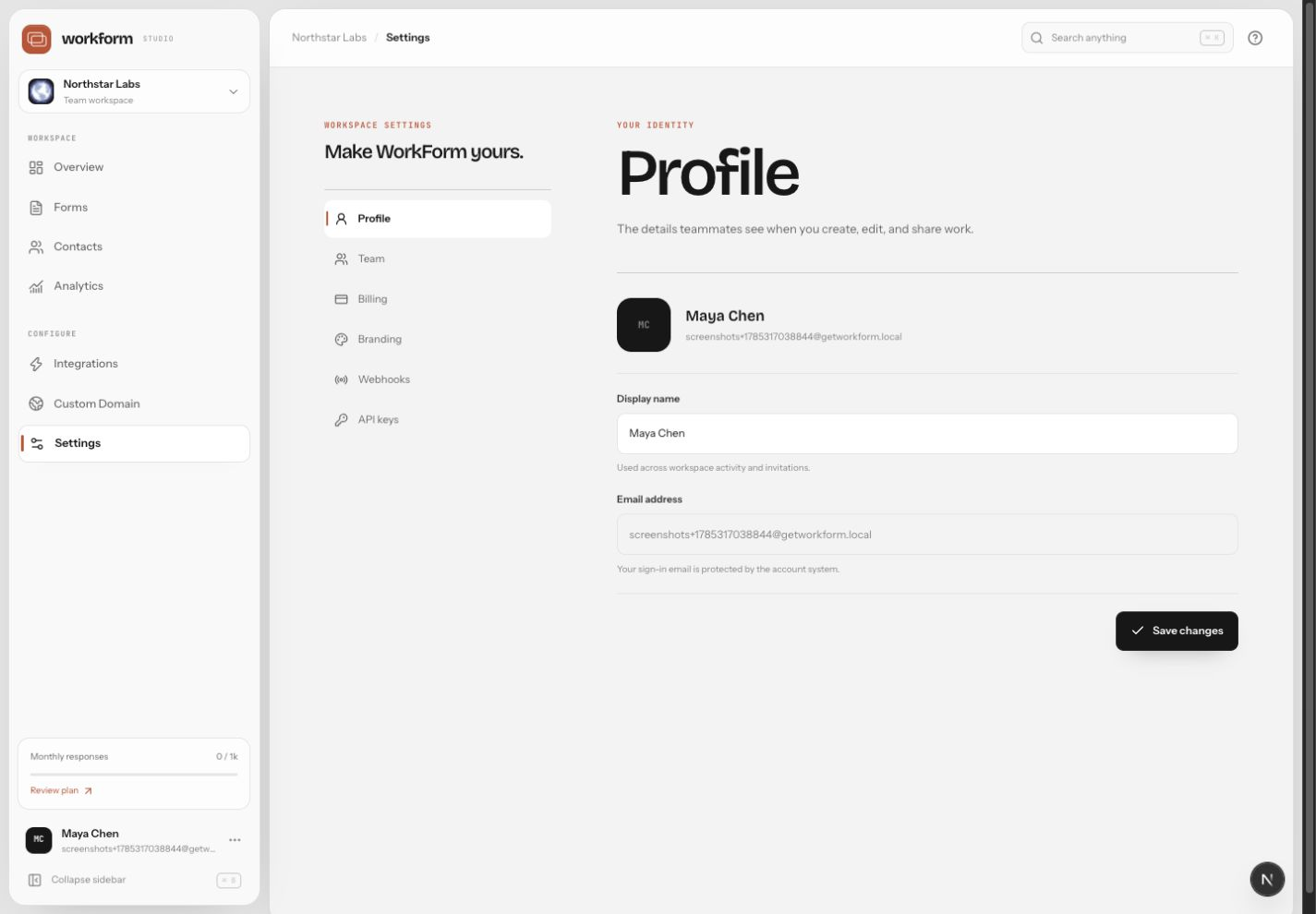
Settings overview
Workspace settings include Profile, Team, Billing, Branding, Webhooks, and API keys. Owners and admins should review these areas before inviting a broader team.
Admin checklist
- Keep profile names recognizable so activity is easy to audit.
- Invite teammates with the least access they need.
- Review billing before forms become business critical.
- Add workspace branding before publishing public forms at scale.
- Create separate API keys for separate systems.
- Remove access for teammates and contractors who leave the project.
Plan-sensitive features
Some capabilities, such as adding team members, removing WorkForm branding, and developer access, depend on your plan. If a control is unavailable, check Billing to compare plans and upgrade when the workflow needs it.